
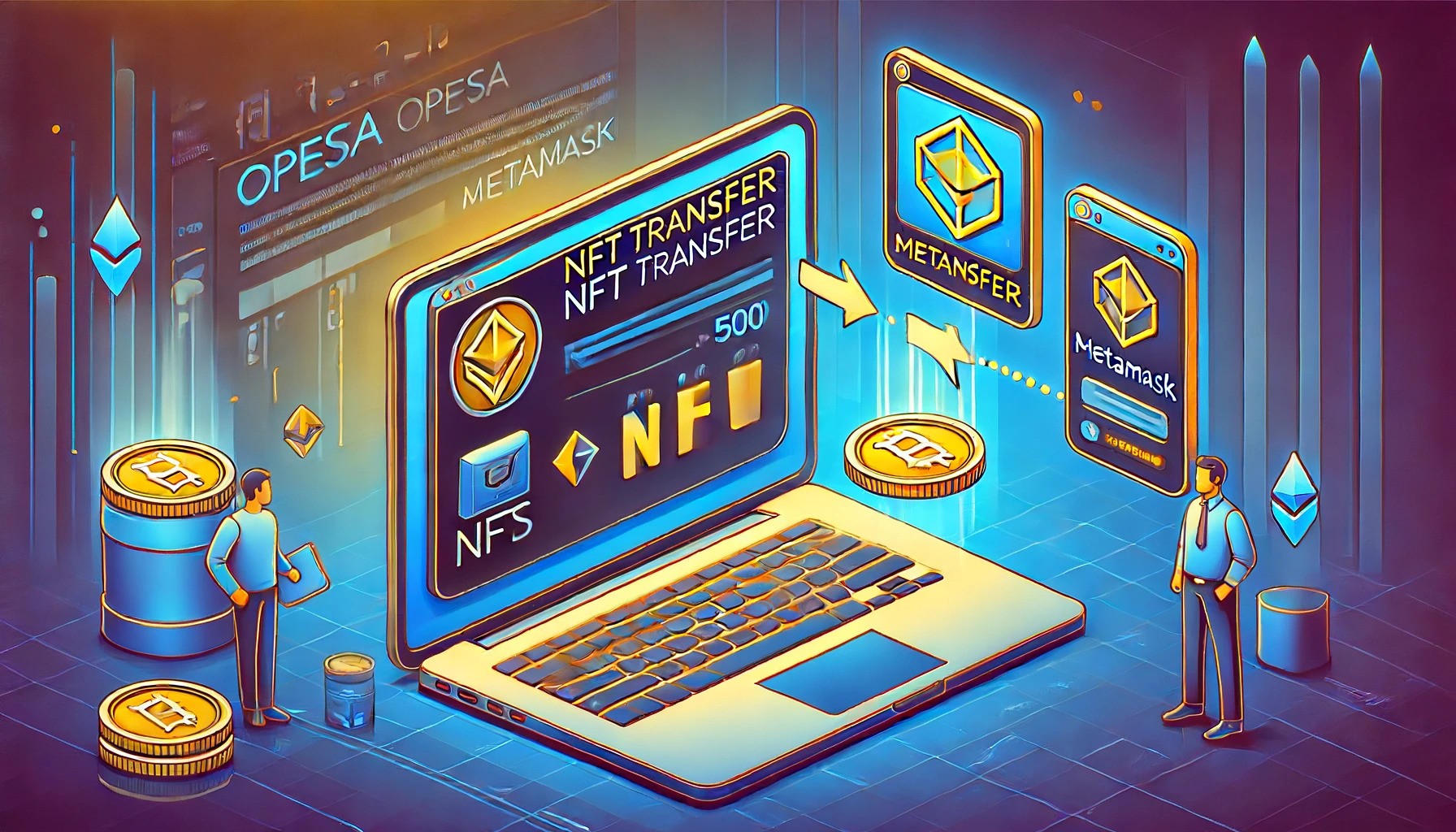
របៀបផ្ទេរ NFTs ពី OpenSea ទៅ MetaMask
ការផ្ទេរ NFTs ពី OpenSea ទៅ MetaMask គឺងាយស្រួល។
ជំហានទី 1: ដំឡើងនិងកំណត់ MetaMask
ជំហានទី 2: ចូលទៅ OpenSea និងចូលគណនី
ជំហានទី 3: ជ្រើសរើស NFT ដែលចង់ផ្ទេរ
ជំហានទី 4: ចុចប៊ូតុងផ្ទេរ
ជំហានទី 5: បញ្ចូលអាសយដ្ឋាន MetaMask
ជំហានទី 6: ផ្ទៀងផ្ទាត់ព័ត៌មានផ្ទេរ
ជំហានទី 7: អនុម័តការផ្ទេរ
ជំហានទី 8: រង់ចាំការផ្ទេរ
How to Transfer NFTs from OpenSea to MetaMask
Transferring NFTs from OpenSea to MetaMask is straightforward. First, ensure you have the MetaMask extension or app installed and connected to the Ethereum mainnet. Log into OpenSea and select the NFT you wish to transfer.
Click on the three-dot menu or the transfer button on the item's page. Enter your MetaMask wallet address or an Ethereum Name Service (ENS) domain.
Verify the transfer details, ensuring the recipient’s address and the correct NFT. Confirm the transfer and approve the transaction in MetaMask.
Wait for the transaction to process, which can take a few minutes. Once complete, view your NFT in the MetaMask wallet under the "NFTs" section.
Remember, transferring NFTs incurs a gas fee, which varies based on Ethereum network congestion. To reduce fees, consider using layer-2 networks like Polygon or Optimism.
Transferring NFTs to a personal wallet enhances security and ownership, ensuring complete control over your assets.


WOW this is cool